Exporting and sharing the shopping list
This article helps you print, download or email your shopping list.
Steps
- Open Shopping, Shopping list and set it up how you want it, for example grouped by shop.
Click the ... button and choose Print, Download CSV (for a spreadsheet) or Email list.
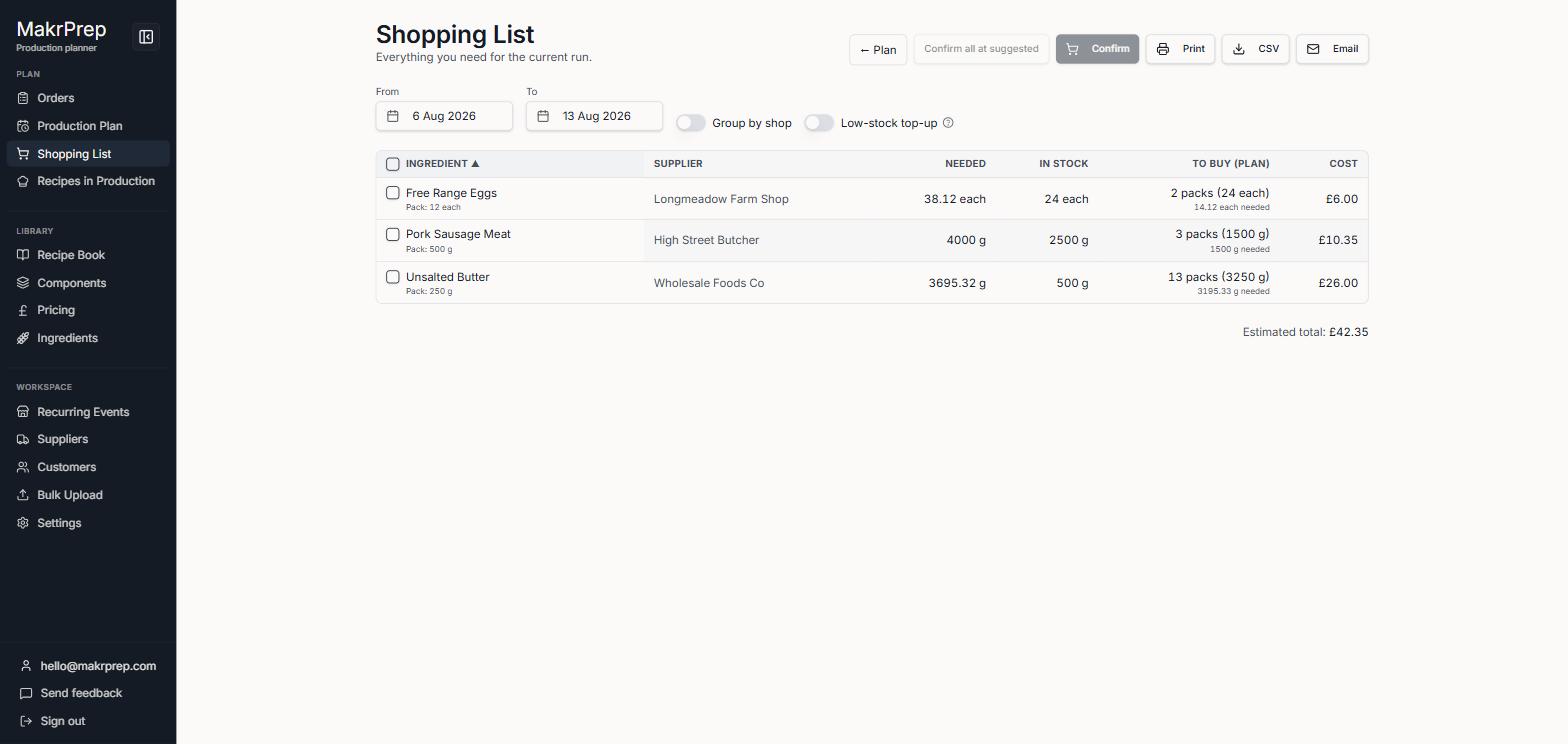
The Shopping list's ... menu showing Print, Download CSV and Email list
What to expect
Each one matches what's on screen, including grouping and low-stock top-up.