Deleting your account
This article helps you close your MakrPrep account for good.
Before you start
This can't be undone. Back up anything you want to keep first (see "Backing up and restoring your data").
Steps
- Open Settings and scroll to the danger zone.
- Open "Delete my account". It cancels your subscription straight away, then deletes the account, all its data and your login.
Confirm when asked.
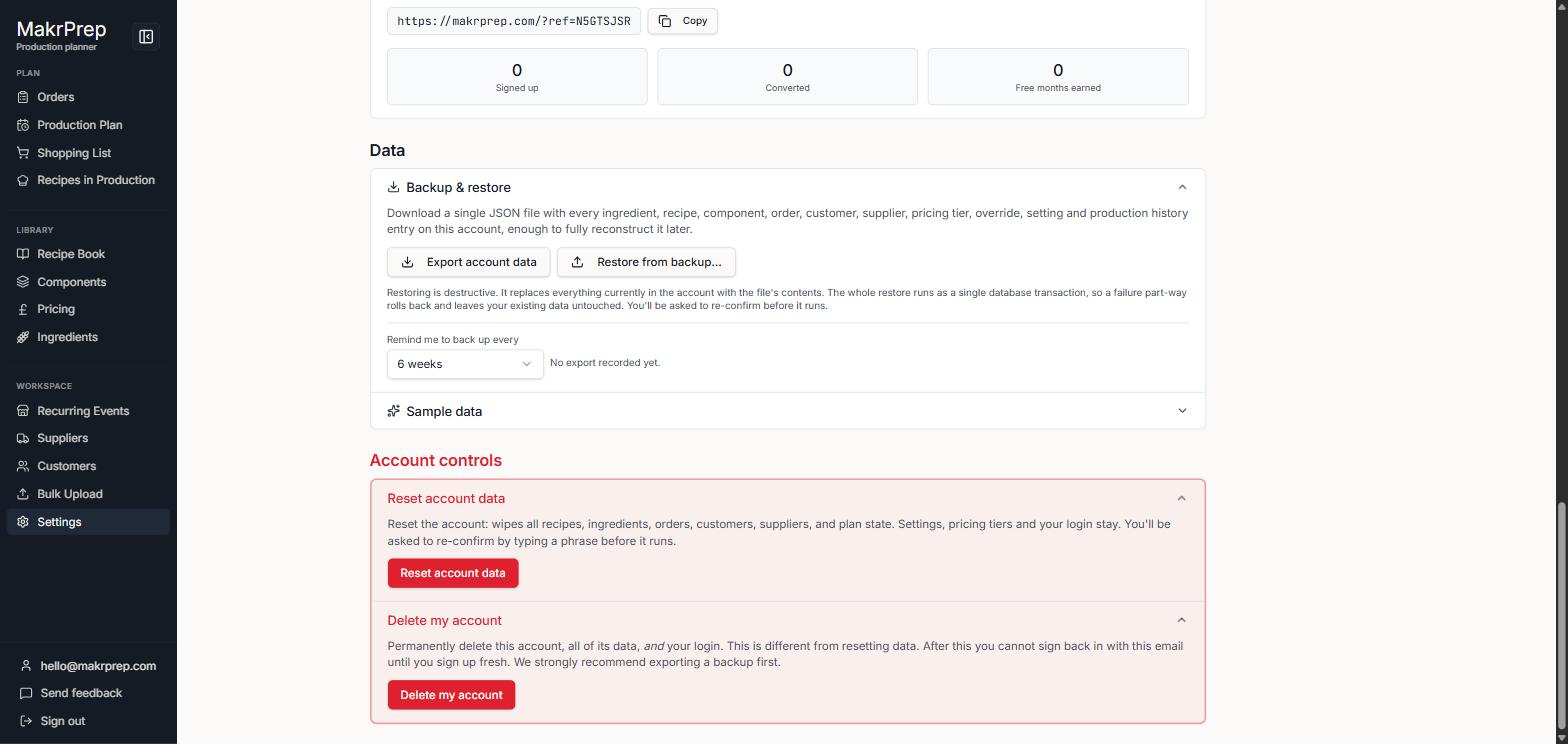
The danger zone in Settings with Delete my account open
Common issues
- Only want a fresh start: use Reset account data instead, which keeps your login.
- If MakrPrep can't cancel your subscription, nothing is deleted. Cancel it in Settings, Account, Subscription, then try again.