Managing your subscription
This article helps you view or change your billing details.
Before you start
Have an active trial or subscription.
Steps
- Open Settings, Account, Subscription.
- You'll see your plan, renewal date and price (in your own currency), with a "Manage subscription" button.
Manage subscription opens the secure billing portal in a new tab, where you can update your card, download invoices, or cancel.
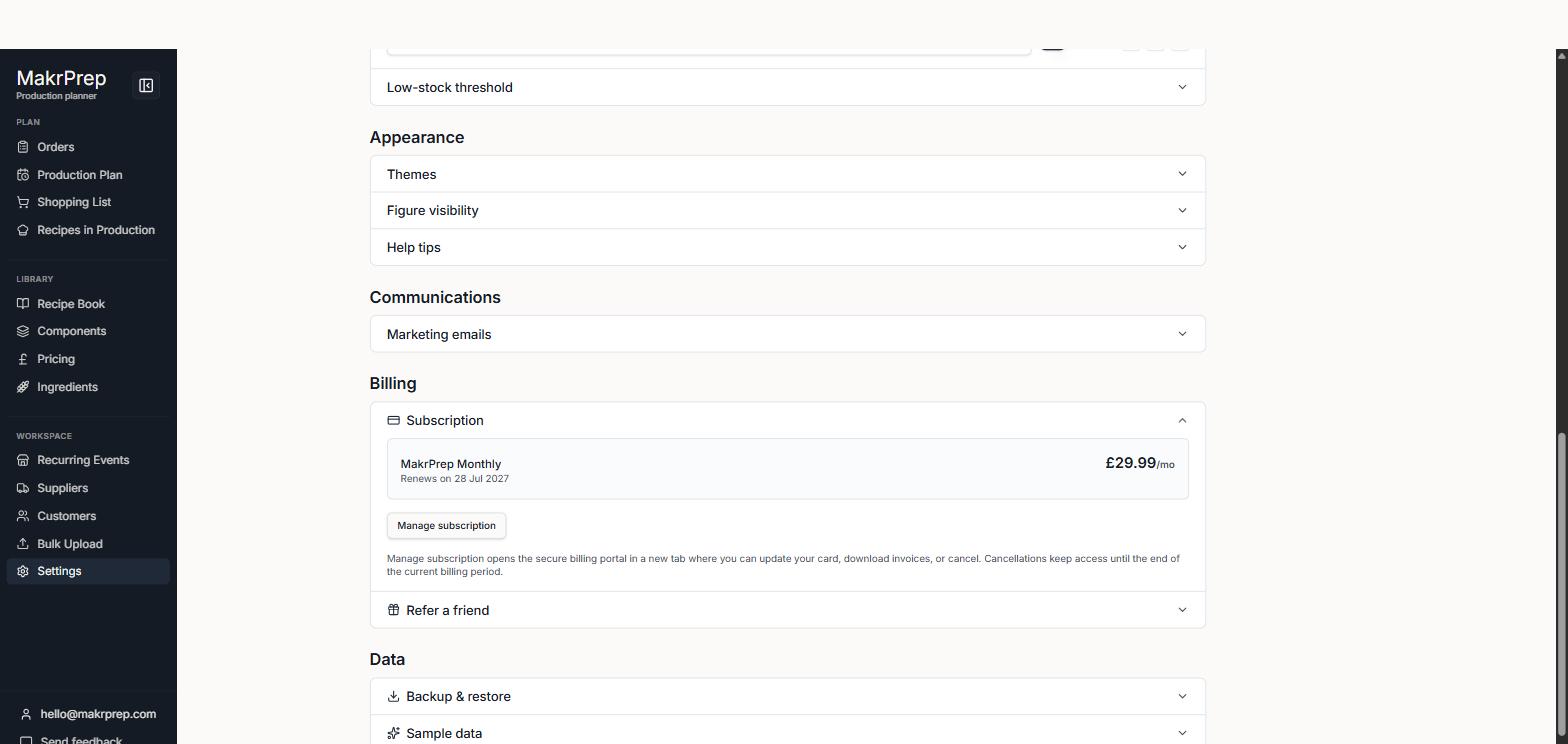
Settings, Account, Subscription showing the subscription summary (plan, renewal date, price) and 'Manage subscription' button
What to expect
Cancelling keeps your access until the end of the period you've paid for. On a monthly plan you'll also see a "Switch to annual" button. Switching charges you now, less credit for the unused part of your month, and starts a new year today. Your annual price then never goes up for as long as you renew annually. If you change your mind, you can ask for a full refund within 30 days.
Common issues
- Cancelled but still have access: that's expected until the paid period ends.