Understanding your subscription and trial
This article explains the free trial, how billing works, and what happens if a payment fails or you cancel.
Steps
- Every new account gets a 14-day free trial with no card needed. Founding Makers, who are invited by John, get a longer free period instead.
- After the trial you can pay monthly or annually. It's the same plan with every feature either way. Annual is two months cheaper, and your annual price never goes up for as long as you renew annually.
- Payments are handled by Paddle, who act as the seller and deal with VAT and sales tax. MakrPrep never sees your card details. You're charged in your local currency where available.
If a payment fails, you keep full access while Paddle tries again for up to about 30 days. A red banner asks you to update your card, with a link to Settings.
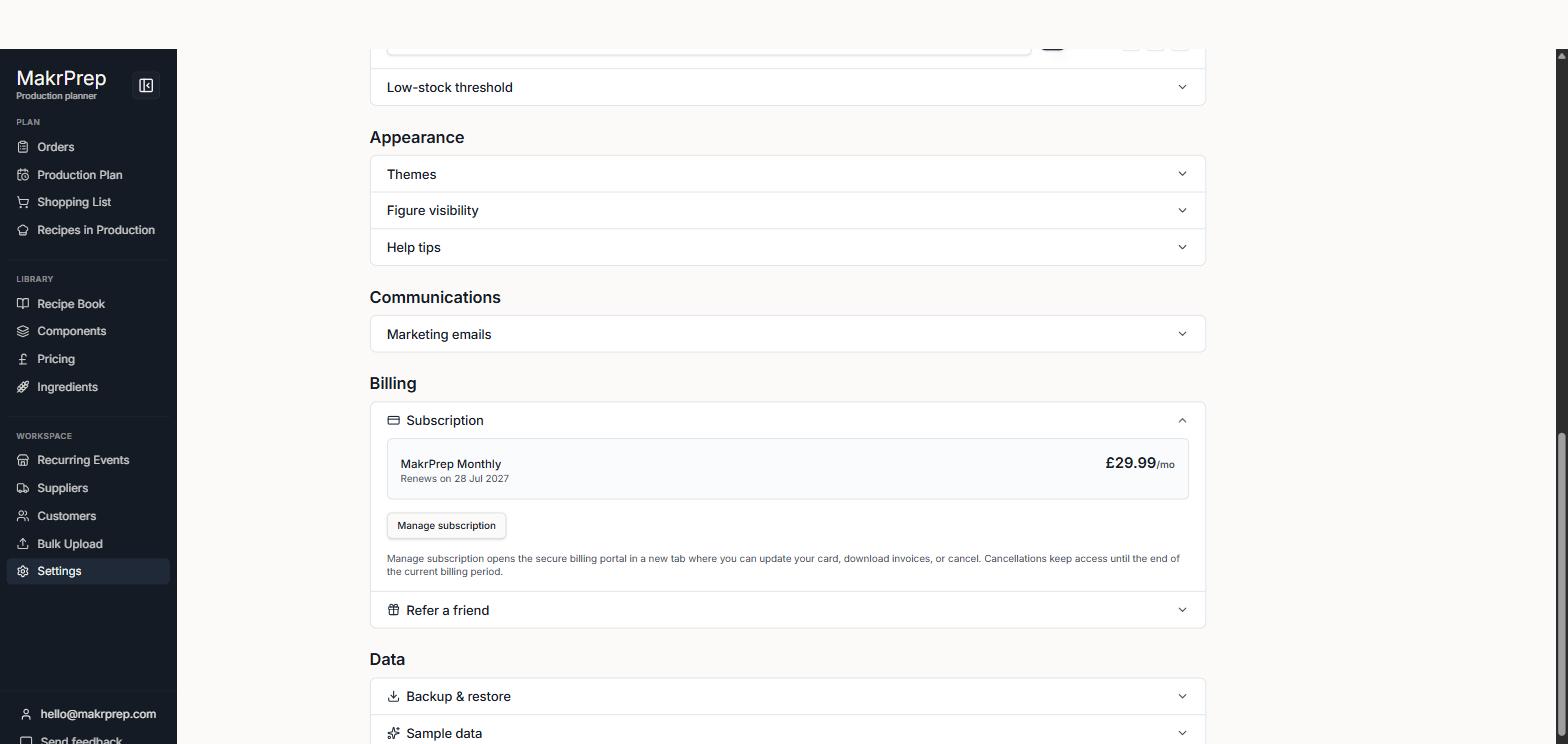
Settings, Account, Subscription showing the plan name, renewal date and price - If you cancel, you keep access until the end of the period you've paid for. After that you can't open the app, but your data is kept, so you can pick up where you left off if you subscribe again.
- Refunds: on the monthly plan there's a 30-day money-back guarantee on your first paid month. On the annual plan you can ask for a full refund within 30 days of paying. Requests go through Paddle.
Common issues
- A second free trial isn't available with the same email, even after deleting the account.