Referring a friend
This article helps you share your referral link and earn an extra month.
Before you start
Your referral link unlocks once you've subscribed. Adding your card is enough, even if your free period hasn't ended yet.
Steps
- Open Settings, Account, Refer a friend.
- Once unlocked, you'll see your personal referral code and a copyable link (makrprep.com/?ref=YOURCODE).
- Share the link. Anyone who signs up through it has the code applied automatically.
- When that person makes their first payment, you both get an extra month, on top of their free trial. On a monthly plan, your next month is free. On an annual plan, your year becomes 13 months.
- There's no limit. Refer as many people as you like, and earn another month for each one that converts. Two referrals give you two extra months.
Track your signups, conversions, and free months earned from the same Settings panel.
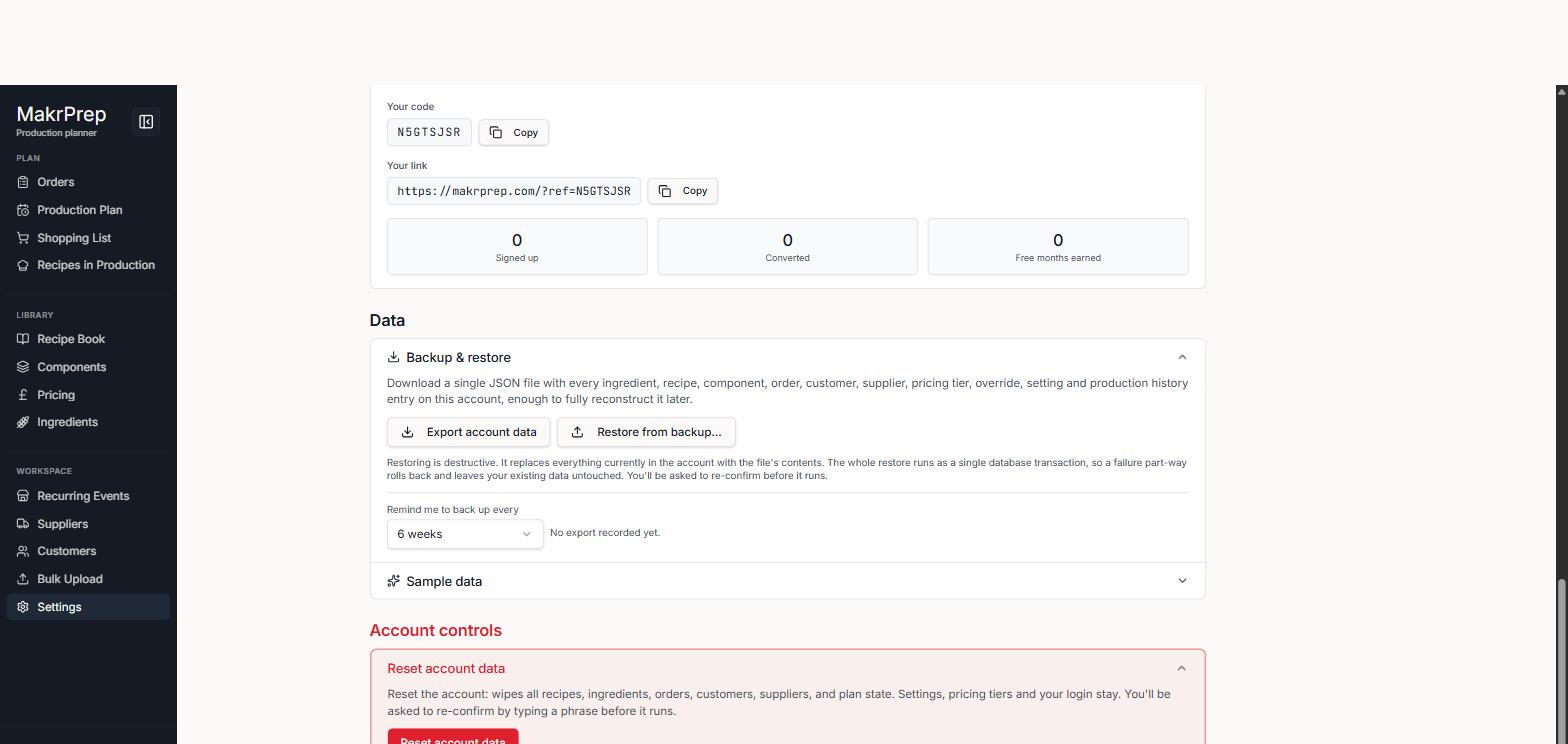
Settings 'Refer a friend' panel showing your code, copyable link, and Signed up / Converted / Free months earned counts
What to expect
The reward applies automatically once a referred signup makes their first payment. Just adding a card isn't enough. There's nothing to claim.
Common issues
- The referral didn't count: your friend needs to sign up using your link. If they come back later without it, the code isn't attached.
- Can't see your link: it only shows once you've subscribed (added a card), not during a free trial with no card, or after a subscription ends.