Account settings overview
This article lists every section in Settings and what it does.
Steps
- Open Settings (under More on a phone). Click a heading to open it, or use Expand all.
- Business setup: currency, business name, allergen standards, recipe categories, component categories and tags.
- Pricing and orders: pricing tiers, order statuses, production statuses, order dates and overdue, and the low-stock threshold.
- Appearance: Light or Dark colour mode, hiding cost, profit or revenue figures, and help tips.
Account: your subscription, refer a friend, emails, backup and restore, and sample data. Below it, the Danger zone has Reset account data and Delete my account.
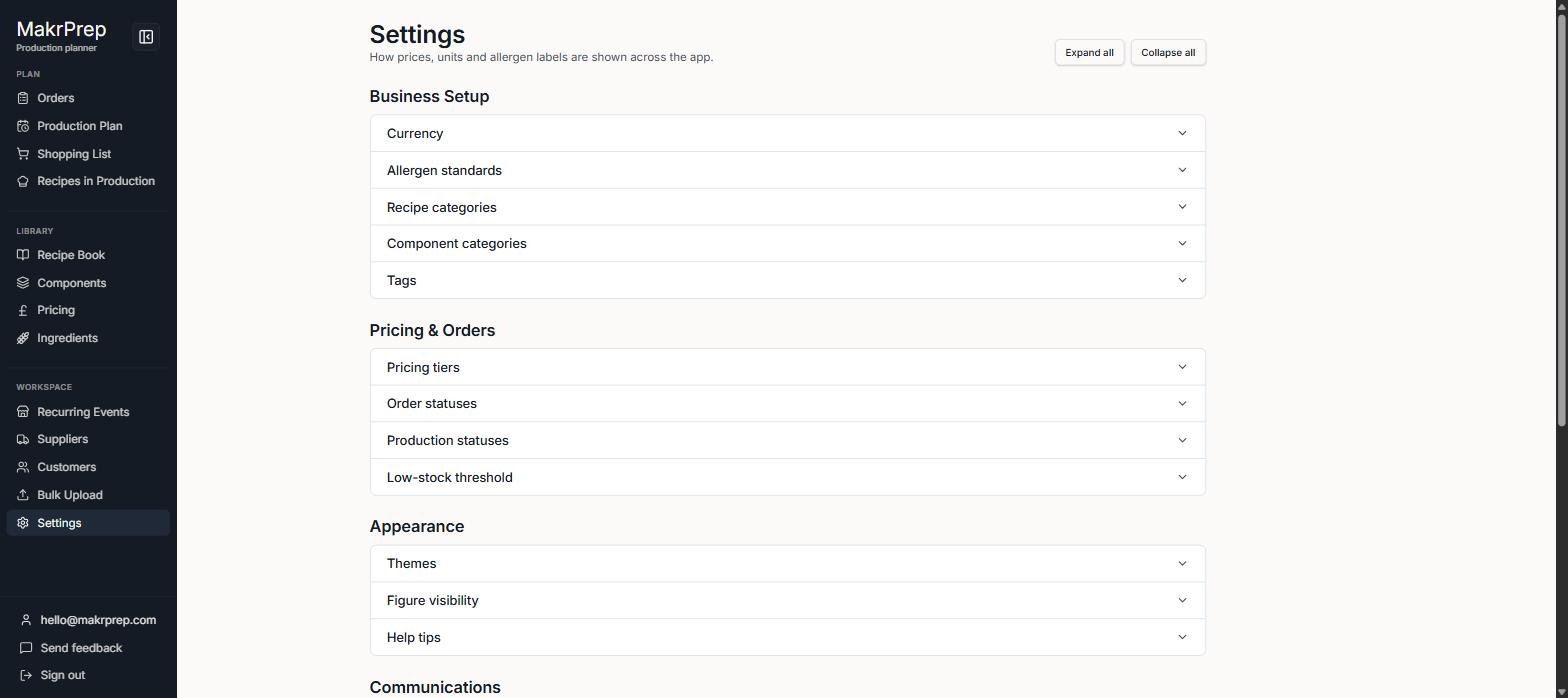
Settings with the four groups and the Danger zone