Resetting your account data
This article helps you clear your data and start again without closing your account.
Before you start
Back up first if you might want anything back (see "Backing up and restoring your data").
Steps
- Open Settings and scroll to the danger zone.
- Open "Reset account data". It deletes all recipes, ingredients, orders, customers, suppliers and plan history. Your settings, price lists, login and subscription stay.
Type the confirmation phrase when asked.
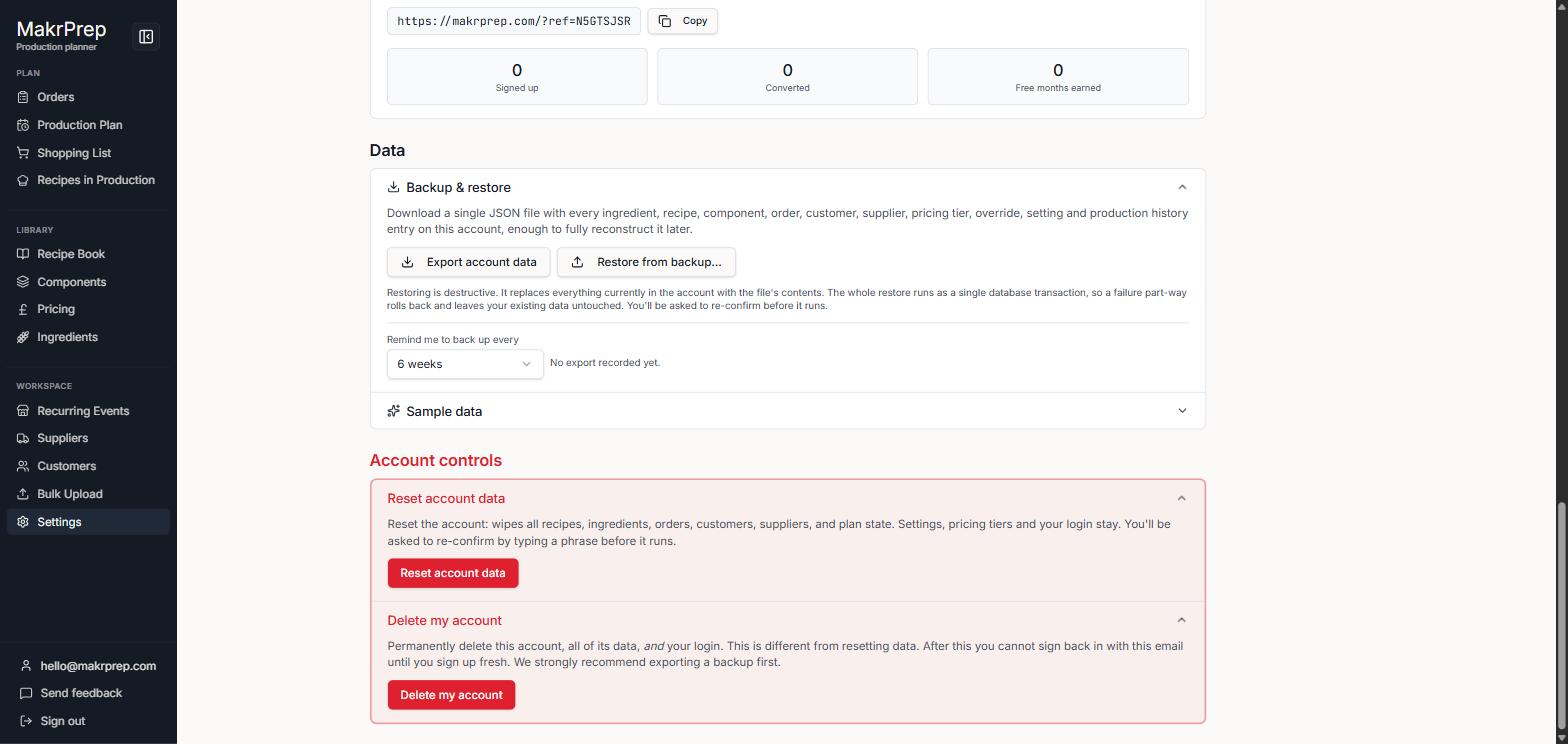
The danger zone in Settings with Reset account data open