Repeat orders
This article helps you save orders you make again and again, like a weekly market or a café's standing order.
Steps
- Open Orders, Repeat orders and click "New repeat order". It opens ready to edit.
- Give it a name, choose the customer, and add the recipes and quantities with "Add a line". Click Done.
- Each repeat order reads as one line, for example "Saturday Market: Regular, for Saturday Market Stall, 6 lines, 102 items". Click it to see what's in it.
When it's needed, open it, pick the date under "Create an order for" and click Create order. A normal order is created for that date, which you can then change for that week.
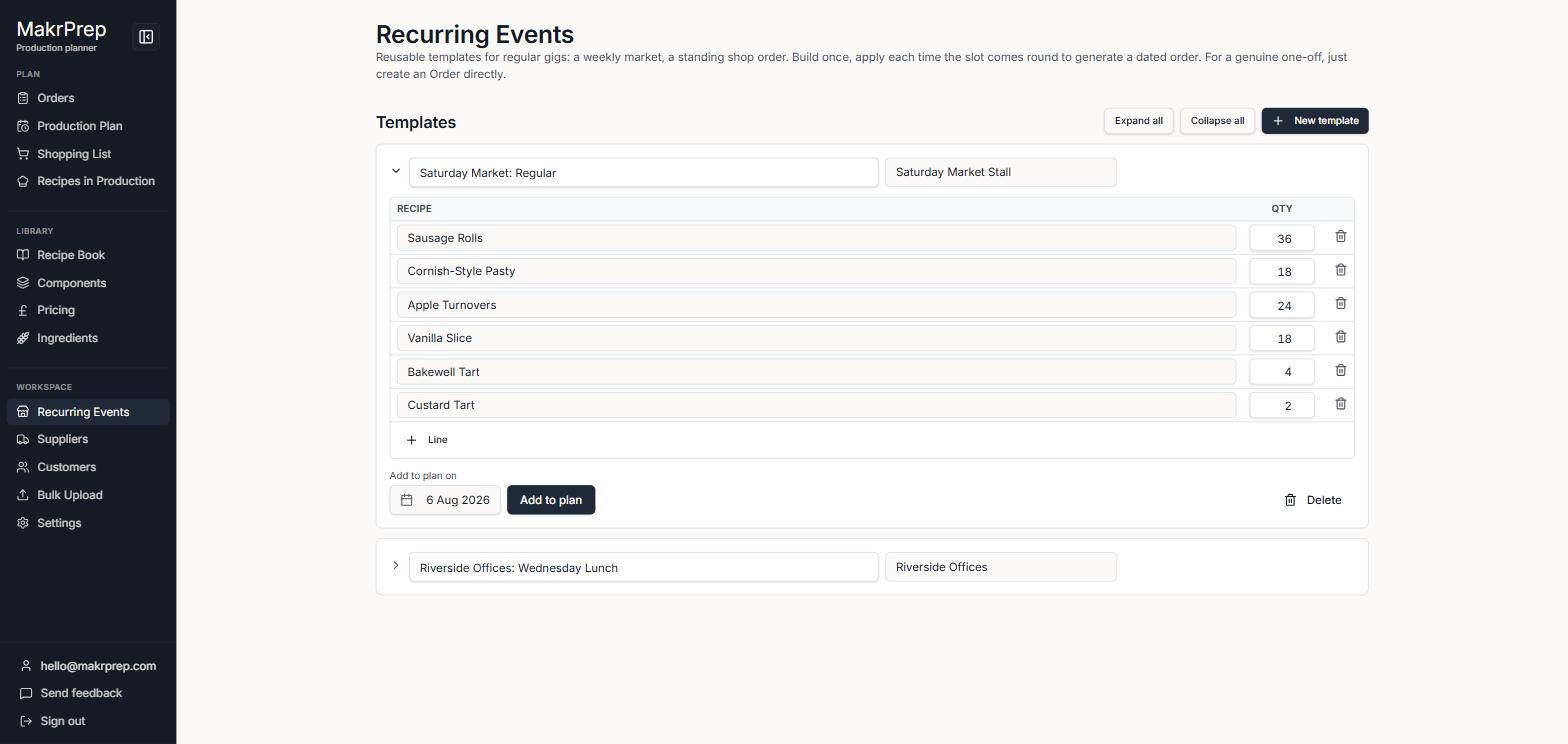
A repeat order open, showing its lines and Create an order for - To change a repeat order, click its Edit button. Change the name, customer, recipes or quantities, then click Done. Delete is at the bottom while editing.
- Repeat orders also appear first under "Start from a repeat or past order" when you make a new order for that customer.
What to expect
Changing an order made from a repeat order doesn't change the repeat order itself, so it's ready as normal next time.