Reports
This article explains what the Reports page shows and how to use it.
Steps
Open Reports. The Sales tab starts with one line for the month: the value of your orders, how many orders and items, and how that compares with the month before and the same month last year.
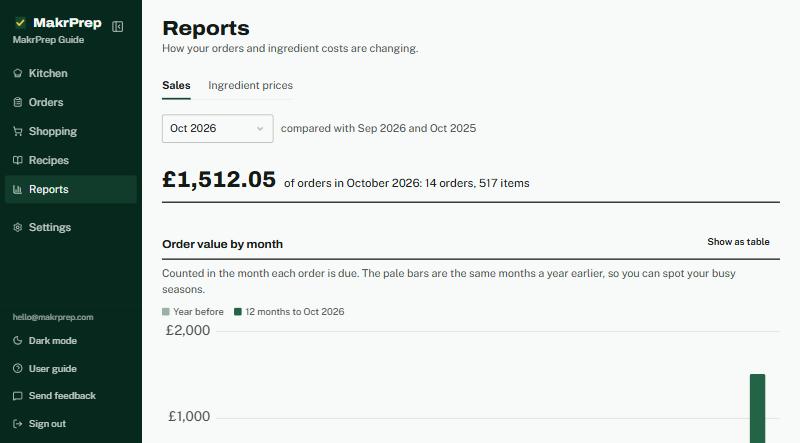
The Sales tab summary line and the order value by month chart - Below it, the chart shows order value by month. The dark bars are the last 12 months, the pale bars the same months a year earlier, so you can see your busy seasons. "Show as table" gives the same figures as a table.
- Pick a different month at the top to see that month's busiest days of the week, best sellers and biggest customers.
The Ingredient prices tab starts with how many ingredients changed price in the period you pick, and how many went dearer or cheaper. It then lists each change, and what it did to each recipe's cost and profit margin.
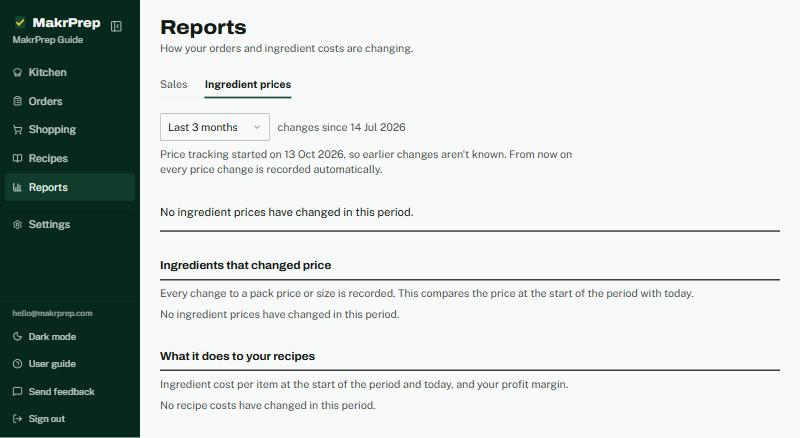
The Ingredient prices tab - If a price you set is now below its price list's formula, it's listed in red at the top with "Review prices", which takes you to Pricing.
What to expect
Orders count in the month they're due. Price changes are recorded from when MakrPrep started tracking them, so a new account builds up history over time. If you've hidden revenue figures in Settings, Sales shows items instead of money.