Why do my split parts not add up?
This article helps you fix a split line whose parts don't match the amount you're making.
Steps
On the Production plan, a red note under a line's number says "Parts add up to X, making Y". Tap the line's status summary (for example "60 making, 30 to make") to open its parts.
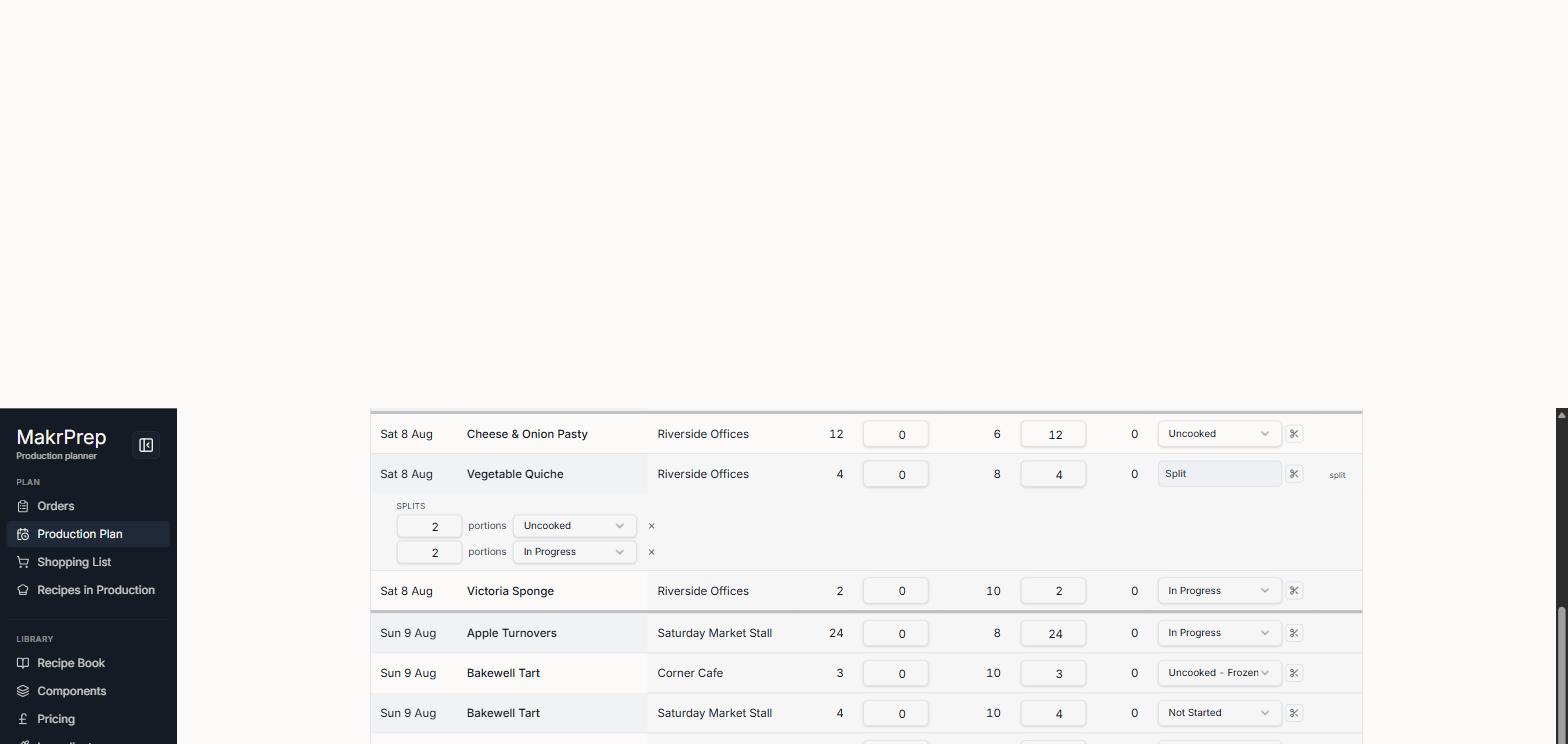
A split line opened with the red Parts add up to note - Add up the parts and compare with the number you're making. Change the part that's wrong, often one left at 0 after "Add a part".
- If an order changed after you split the line, the number you're making may have moved. Adjust the parts to match the new number, or change the number itself by tapping it.
What to expect
The red note goes as soon as the parts add up.