Managing suppliers and customers
This article covers the Suppliers and Customers pages.
Steps
Open Shopping, Suppliers to keep a list of where you buy. Set an ingredient's supplier and the Shopping list can group by shop.
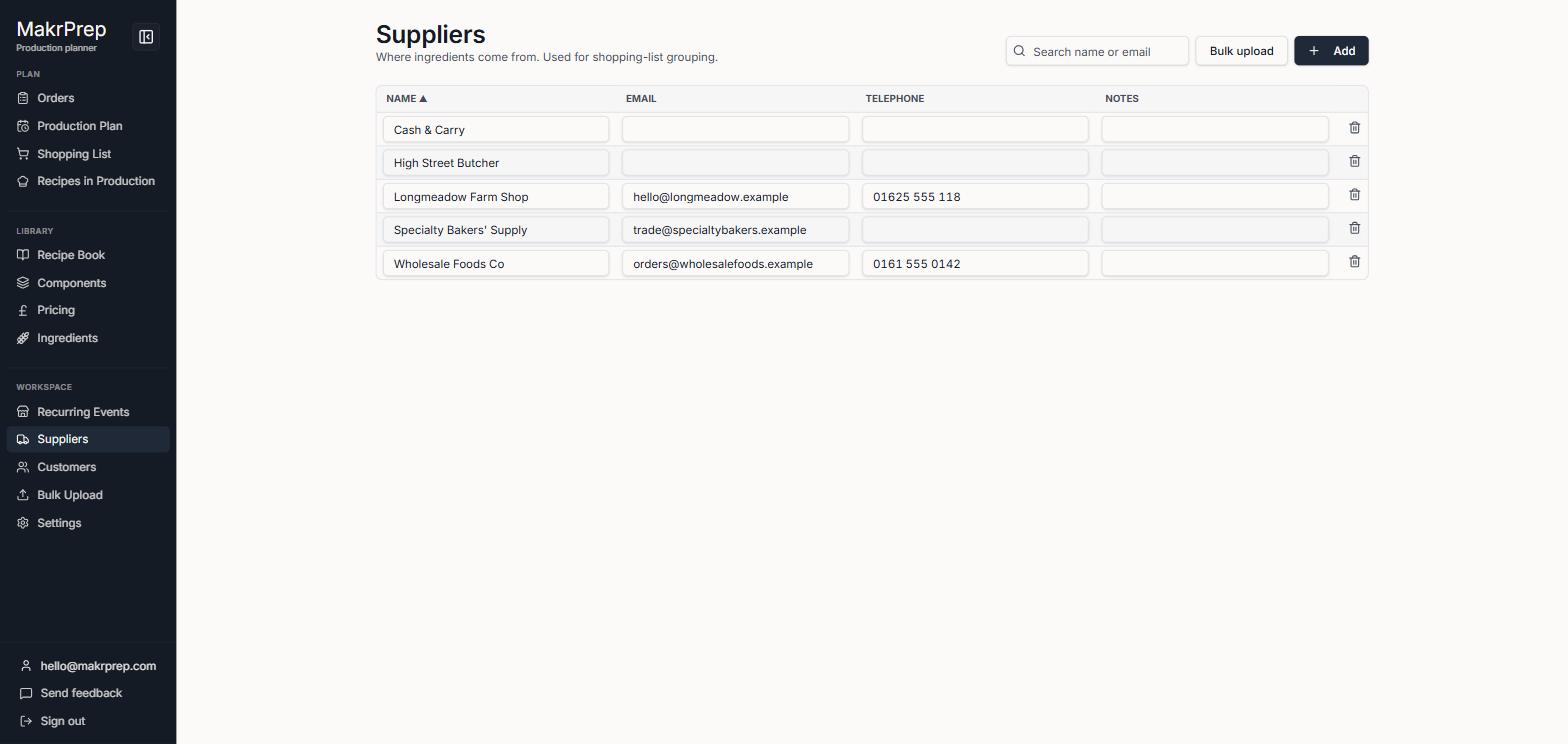
The Suppliers table read-only Open Orders, Customers for who you sell to. Each has a price list, contact details and standing notes. Click an email or phone number to email or call.
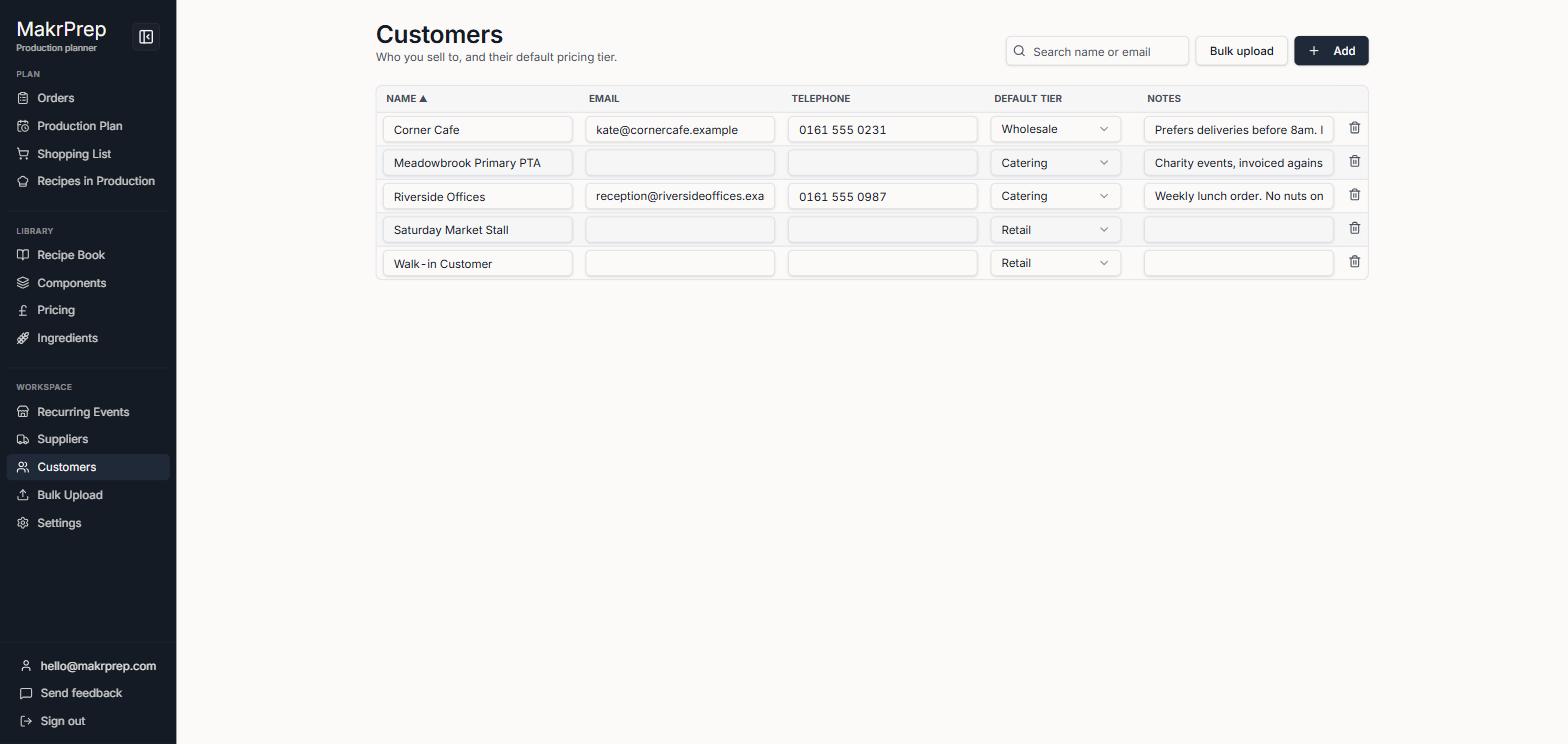
The Customers table read-only - Both pages open read-only. To change details, click "Edit customers" or "Edit suppliers"; every field becomes a box you can type in. Click "Done editing" when you've finished. Delete is the bin button while editing.
A customer's notes show on every order for them. Each order also has its own notes for one-off details.
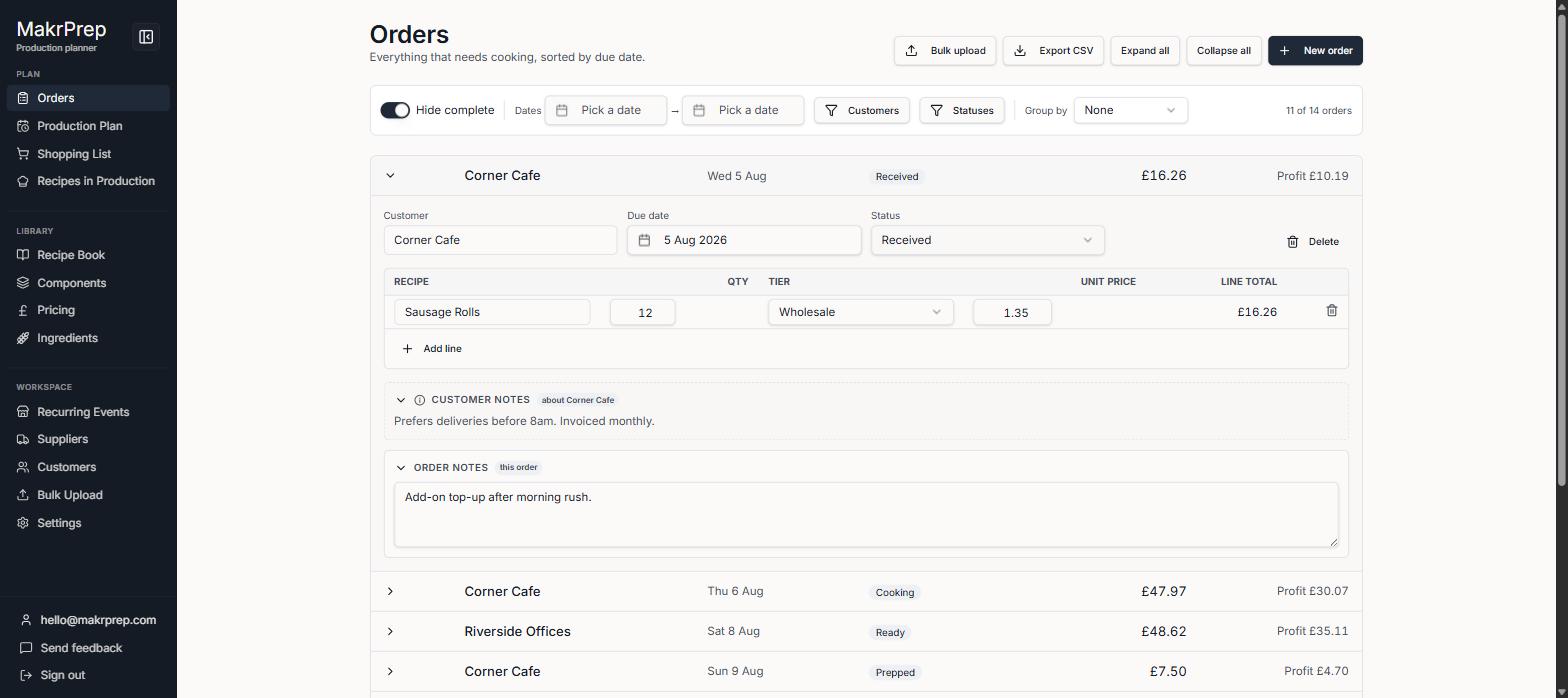
An open order with the customer's standing notes
What to expect
On a phone, email, phone, price list and notes show as lines under each name. Deleting a customer keeps their past orders, which then show as Walk-in. Deleting a supplier keeps its ingredients.