Tracking low-stock ingredients
This article explains how MakrPrep keeps track of ingredient stock and decides what's running low.
Steps
- Stock goes up when you confirm purchases on the Shopping list, and down when you mark things made. You can also correct it on the Ingredients page at any time.
- An ingredient counts as low when you have less than enough for a set number of batches of the recipes that use it. Set the number in Settings, Pricing & Orders, Low-stock threshold.
- If a rarely made recipe is making things look low, turn off "Include this recipe's ingredients in low-stock warnings" on that recipe (or component).
Turn on Low-stock top-up on the Shopping list to add what you need to get back above the threshold.
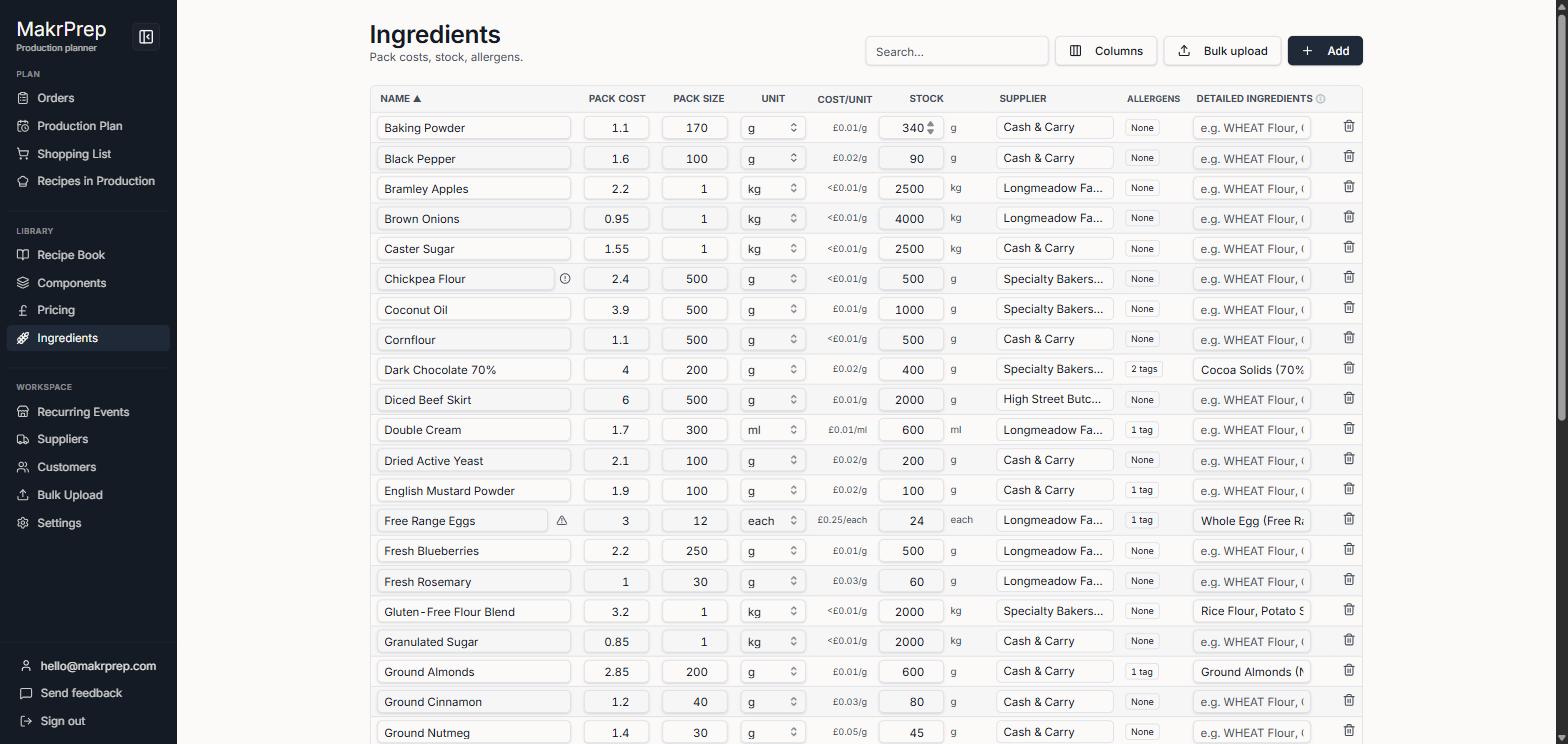
The Ingredients table with its Stock column
What to expect
Stock never goes below zero. If you correct a number on the Ingredients page, MakrPrep records the change so its history stays right.