Using components
This article helps you set up components: sub-recipes like doughs, fillings and sauces that you use in several recipes.
Steps
- Open Recipes, Components and click the + button. A new component opens ready to edit.
- Give it a name and category. Its batch yield is worked out from the ingredients. To allow for cooking loss, turn on "Set by hand" and type the real amount.
- Add its ingredients and method. A component can include another component, for example a diplomat cream made from a pastry cream. Click Done.
A component reads like a recipe: "Makes 515 g a batch", cost per kg (or per litre, or each) as the big figure, every ingredient with what it costs, the batch total, allergens, method and notes.
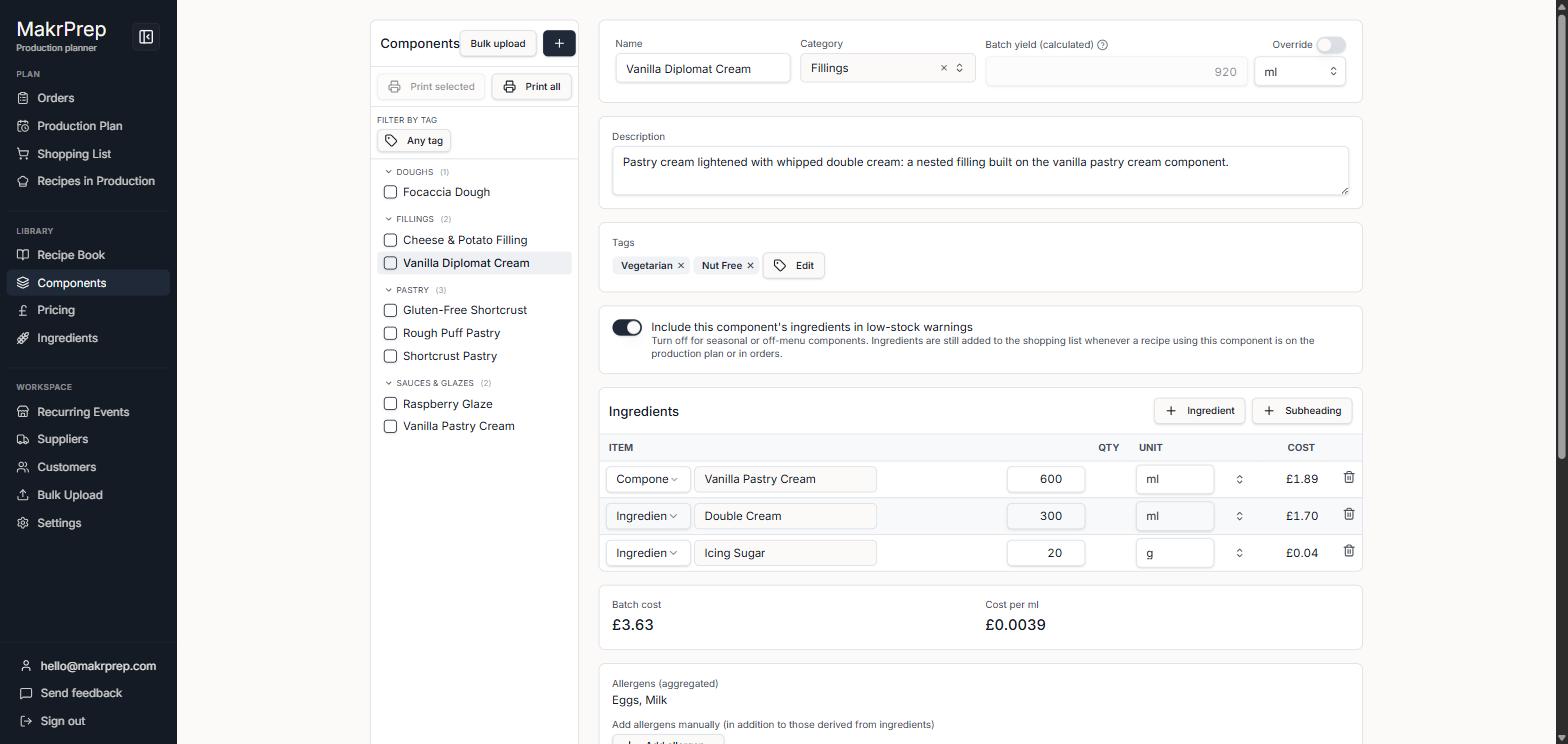
A component's read view with its costing sheet, cost per kg, method and notes - To change it, click "Edit component", then Done. Duplicate and Delete are in the ⋯ menu.
- Add it to recipes like an ingredient. Its cost and allergens carry through to every recipe that uses it, at every level.
What to expect
Components don't have their own price. Their cost shows inside the recipes that use them. On Recipes to prep, a component shows the total needed across all your recipes.